



Ever needed to add a space between attributes when adding feed rules in Google Merchant Center and found that no space value is added and instead an empty value.
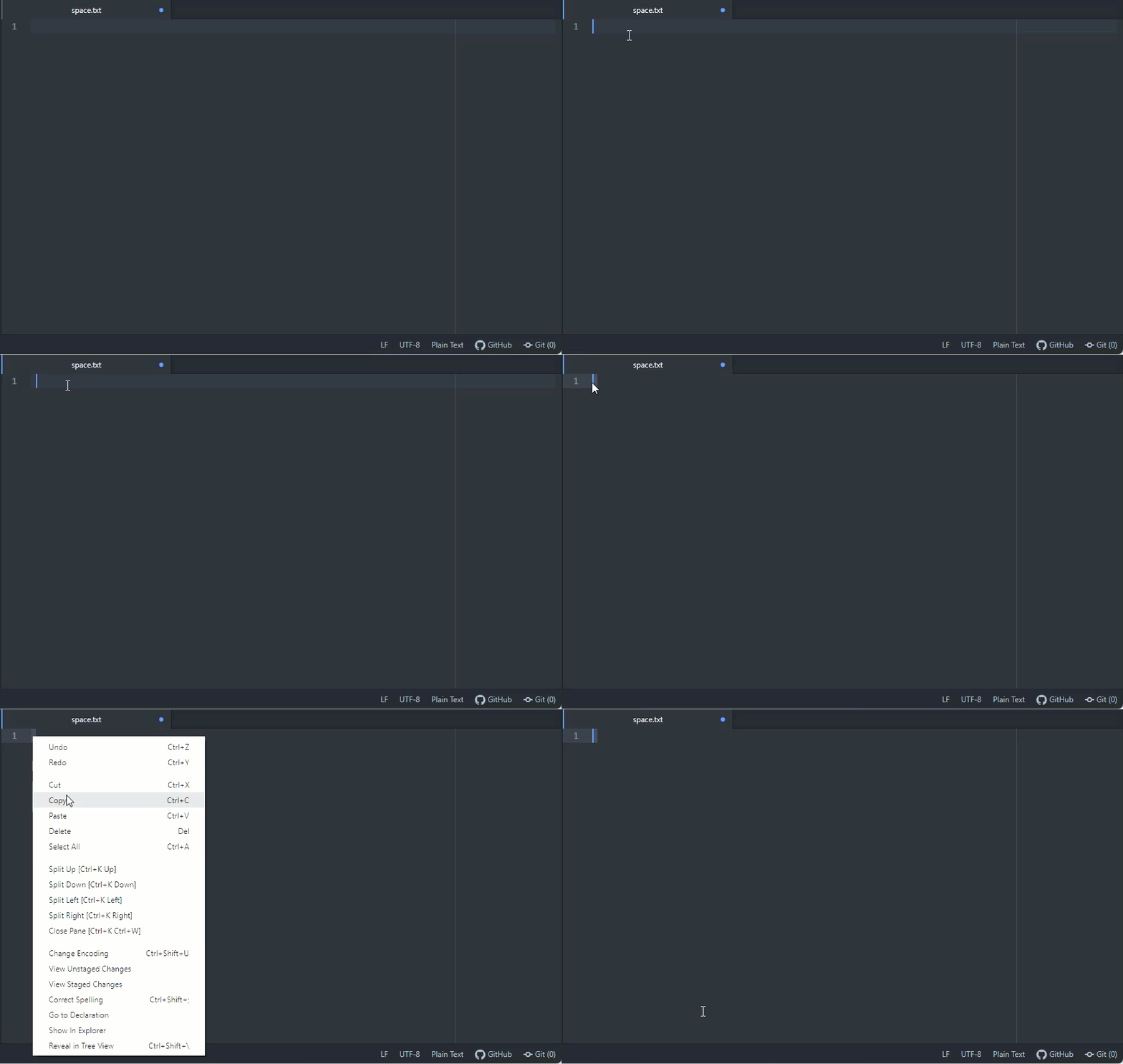
The solution is rather silly but works. Use any text editor, browser, or another program where you can type a space value. Then highlight your space value and copy it to your computer’s clipboard.

Go to Google Merchant Center and paste your space value using keyboard shortcuts. For example Windows, you hit the keys CTRL + V

