To download your product information from Google Merchant Center, please follow the tutorial below. This file can be used to alter the data and resubmitted as a supplement feed.

Step 1: Log in to Google Merchant Center Next
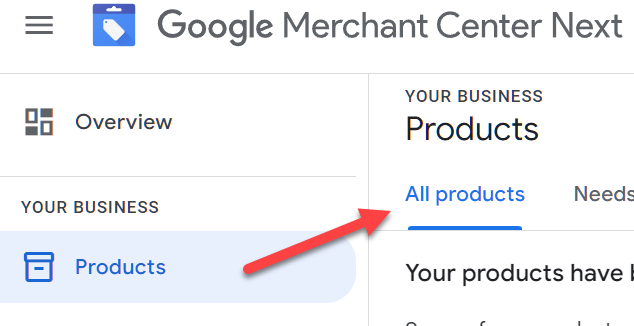
Step 2: Go to Products > click on All Products

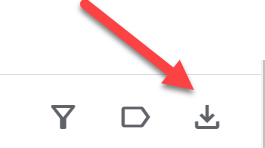
Step 3: On the right hand side, click on the download icon to download all products

Step 4: Open the zip file and extract the file.
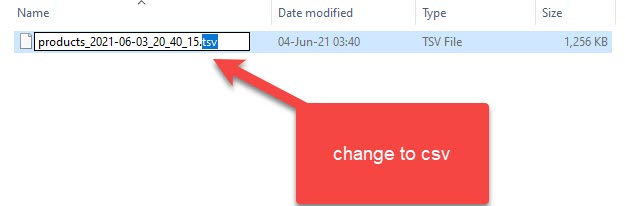
Step 5: Change the file name extension from .tsv to .csv and you can open it in your spreadsheet editor.